
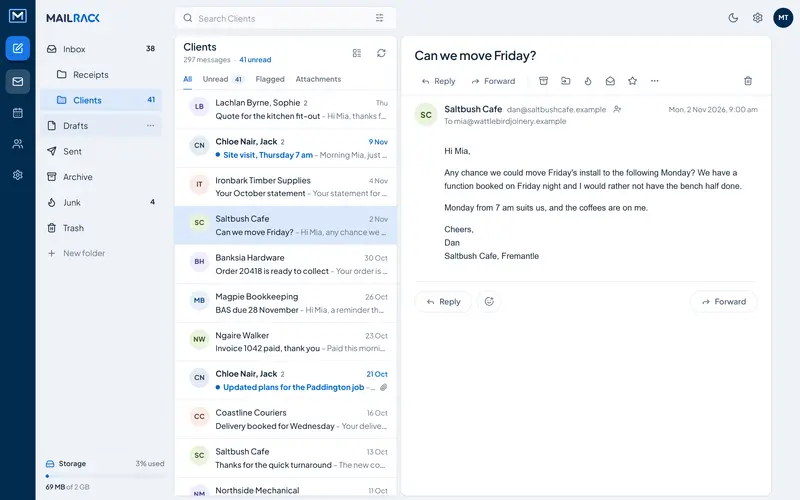
The inbox shows folders on the left, your messages in the middle and the message you are reading on the right. Replies are grouped into conversations so a back-and-forth reads as one thread.
- Search across all your folders, and narrow it by sender, date, size or whether there is an attachment
- Filters that sort incoming mail into folders for you
- Out-of-office replies, with start and end dates
- A list of blocked senders
- Several signatures and saved templates for messages you write often
- Send from an alias as well as your main address
- Undo send: a few seconds to pull a message back after you press Send
- Attachments up to 25MB per message, with a viewer for common file types
- Labels, flags and an archive folder for keeping the inbox clear
- A light and a dark look, and keyboard shortcuts for the things you do all day
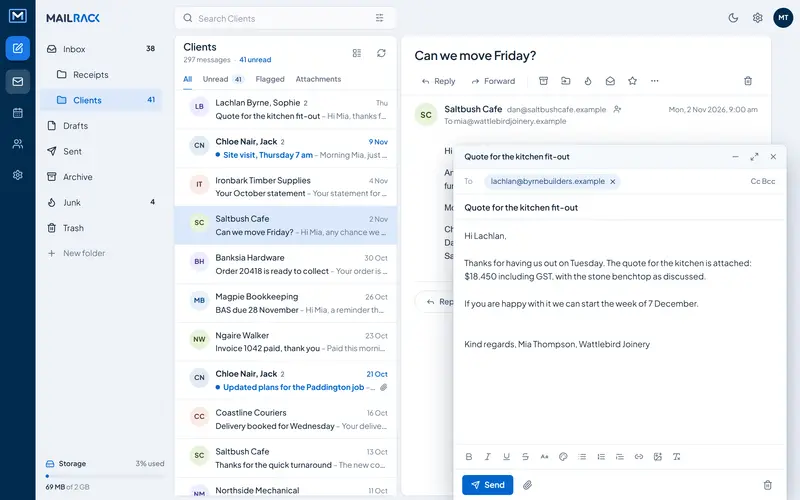
Calendar
The calendar has month, week and day views. You can keep several calendars, set events to repeat, invite other people to an event and answer invitations that arrive by email. Events can be imported and exported as .ics files, the format other calendars use.
Reminders appear while webmail is open in your browser.
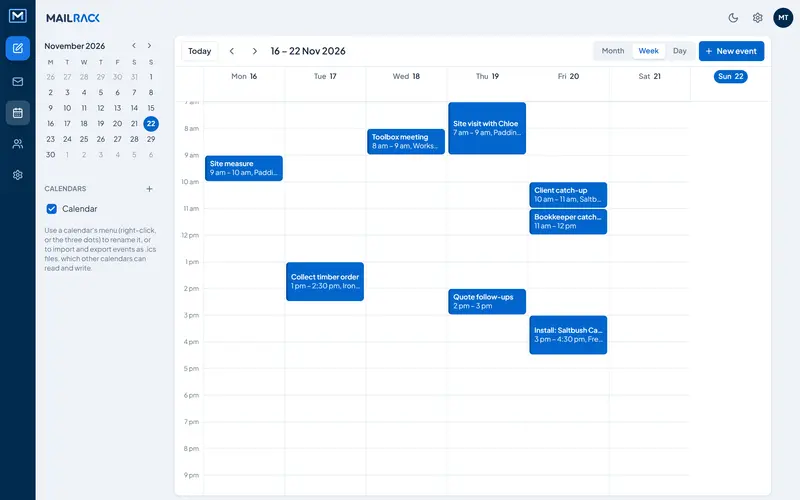
Contacts
Your address book lives next to your mail. Put contacts into groups, then type the group name when writing a message to add everyone in it. Contacts can be imported and exported as vCard files, so you can bring an address book across from another mail app or phone.
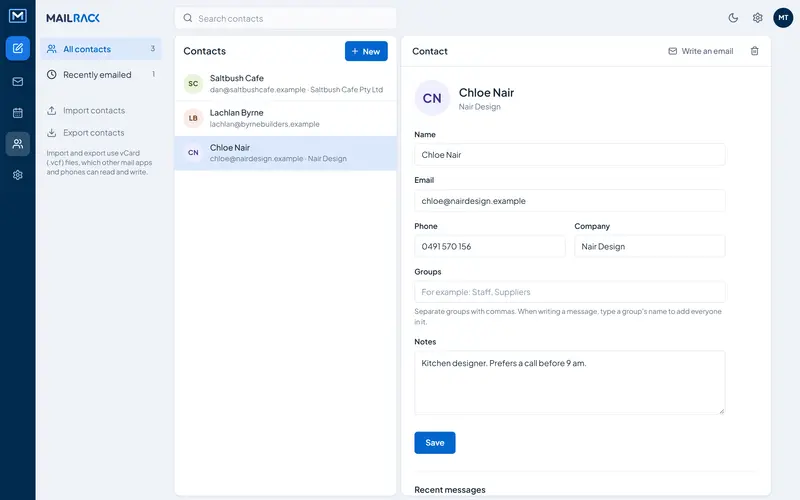
On your phone
Webmail rearranges itself for a phone screen, so you can read and reply from your phone's browser without installing anything. You can also add it to your home screen from the browser menu.
If you would rather use the mail app that came with your phone, that works too: see setting up your devices.
Signing in safely
- Two-step sign-in using an authenticator app, with recovery codes in case you lose your phone
- Passkeys (a fingerprint, face or security key) as the second step
- A list of the browsers currently signed in to your mailbox, so you can sign out one you do not recognise
- Separate passwords for mail apps and devices, so your main password is not stored on every device
Two-step sign-in protects webmail. Mail apps on phones and computers sign in with a password of their own.
Handy extras
- Keep more than one mailbox open in the same browser and switch between them, with an unread count on each
- A links bar for the sites you open all day, such as your accounting or booking system
What it does not do
To save you finding out later: webmail does not share a calendar between mailboxes, does not schedule a message to send later, and does not have a task list.